CLI·PULSED listed
PulseDev
pulsedev.app
Click any UI bug on localhost and your AI agent fixes it
Coding Agent CLI
 MCP Hub
The self-learning coding agent for your terminal
Free listing links are nofollow. Owners can unlock a permanent dofollow backlink.
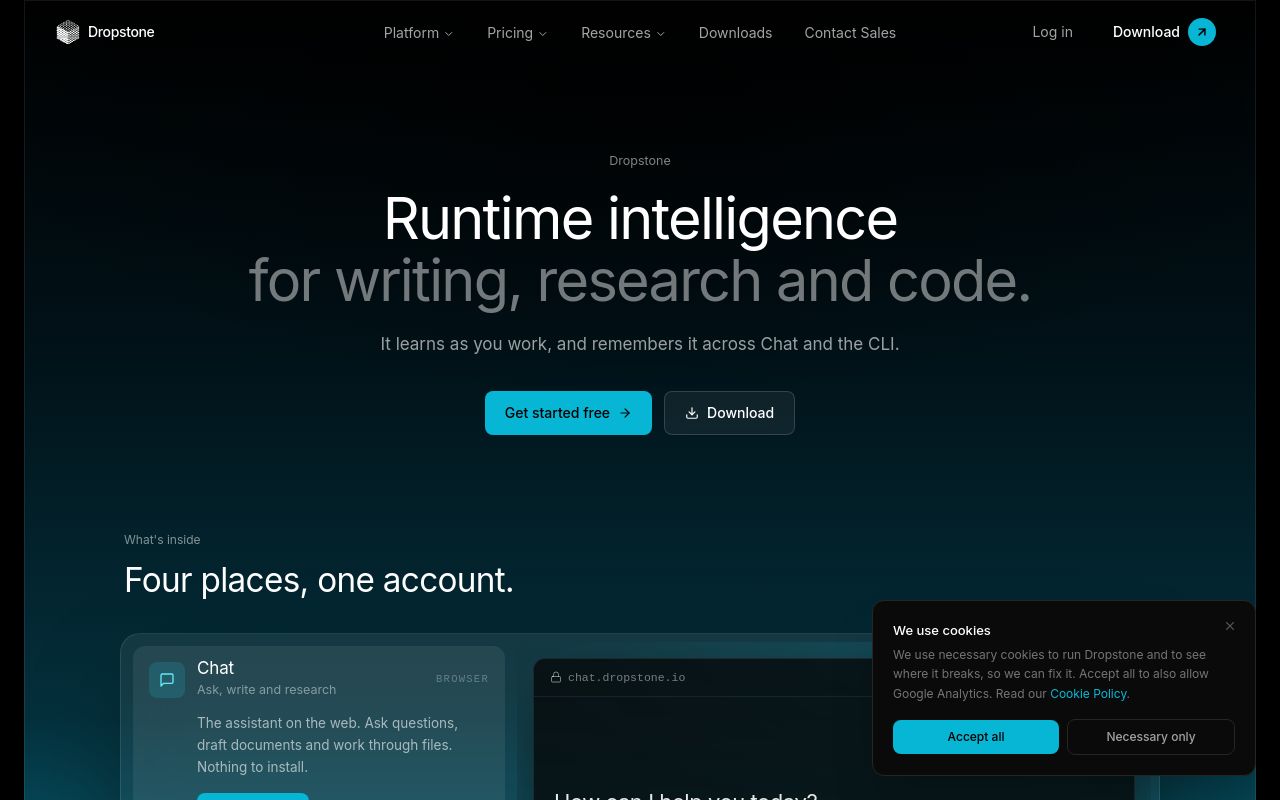
Dropstone CLI is an AI-powered coding assistant that integrates directly into your terminal, helping developers streamline their workflow through natural language processing and machine learning. Marketed as "the self-learning coding agent for your terminal," this tool aims to reduce context switching by providing real-time coding assistance without leaving the command line. With a growing presence on Product Hunt (87 votes as of this writing) and a niche audience in the developer tools and AI space, Dropstone CLI is positioning itself as a productivity booster for coders who prefer terminal-based workflows.
Below, we explore its functionality, installation, use cases, and alternatives while maintaining accuracy based on available sources.
Dropstone CLI acts as an AI coding companion that understands natural language commands and assists with coding tasks directly in the terminal. Unlike traditional code completion tools, it leverages machine learning to adapt to a developer's coding style and project context. Key features include:
- Natural Language Processing (NLP): Developers can describe tasks in plain English (e.g., "Create a Python script to fetch API data"), and Dropstone CLI generates or refines the code accordingly.
- Context-Aware Suggestions: The tool analyzes open files and project structures to provide relevant recommendations.
- Self-Learning Capabilities: Over time, it adapts to a developer’s preferences, improving accuracy for repetitive tasks.
- Terminal Integration: Eliminates the need to switch between IDE plugins and standalone AI tools.
While the official website (Dropstone.io) doesn’t disclose extensive technical details, its Product Hunt page emphasizes its role in reducing friction for developers who work primarily in terminal environments.
npm, pip, or a direct binary download.
npm install -g dropstone-cli or pip install dropstone. dropstone --help to explore commands. nofollow for SEO compliance.
Dropstone CLI caters to developers who want AI assistance without disrupting their terminal-centric workflow. Here are some practical applications:
- Quickly generate boilerplate code for new projects (e.g., setting up a Flask app or React component).
- Useful for hackathons or experimentation where speed is critical.
- Describe an error in natural language, and the tool suggests fixes or relevant documentation.
- Ask for examples or explanations of unfamiliar syntax (e.g., "Show me how to use async/await in Python").
- Create scripts for file manipulation, data processing, or deployment workflows using plain English prompts.
Given its low commercial intent score (45), Dropstone CLI appears to target individual developers and small teams rather than enterprise buyers.
When assessing Dropstone CLI against similar tools, consider these factors:
- Does the AI produce functional code, or does it require heavy editing?
- How intuitive are the commands for developers familiar with terminal tools?
- Does it work seamlessly with version control (e.g., Git) or other dev tools?
- Can users tweak the AI’s behavior or train it on proprietary codebases?
- Is there noticeable latency in generating responses?
Since Dropstone CLI is relatively new (with modest traffic: ~337 monthly visits), user reviews and long-term reliability data are scarce.
Several tools offer similar AI-powered terminal assistance:
- More established, with deeper GitHub integration.
- Higher commercial intent but requires a subscription.
- Focuses on autocomplete for commands rather than code generation.
- A coding game with CLI integration, but less focused on productivity.
- AI autocompletion for terminals and IDEs, though not as conversational.
Dropstone CLI distinguishes itself with its self-learning emphasis and terminal-native design.
The pricing model isn’t explicitly stated on its website or Product Hunt. Many AI dev tools offer freemium tiers, so check Dropstone.io for updates.
The Product Hunt listing mentions broad language support, but specifics are unclear. Test it with your preferred stack.
AI tools may send snippets to cloud servers for processing. Review the privacy policy before using it in sensitive projects.
For terminal-centric developers, it might reduce reliance on GUI tools, but IDE plugins often offer deeper integration.
Copilot is IDE-focused and GitHub-integrated, while Dropstone prioritizes terminal workflows and adaptive learning.
For more details, visit the official website or its Product Hunt page.
Note: Metrics like domain rating (DR) and monthly visits are estimates based on third-party tools and may fluctuate. Always verify claims with primary sources.
The self-learning coding agent for your terminal
No verified install command is listed yet. Use the official project link or repository for setup instructions.
The self-learning coding agent for your terminal
No verified install command is listed yet. Use the official project link or repository for setup instructions.
pulsedev.app
Click any UI bug on localhost and your AI agent fixes it

edgedrop.app
Clipboard on your screen edge. Hover to open, drag to drop

openclix.ai
Agent-driven retention flows for mobile apps.