CLI·EDGEDR listed

Edge Drop
edgedrop.app
Clipboard on your screen edge. Hover to open, drag to drop
Coding Agent CLI
 MCP Hub
Your AI workspace for terminals, tasks, and agents
Free listing links are nofollow. Owners can unlock a permanent dofollow backlink.
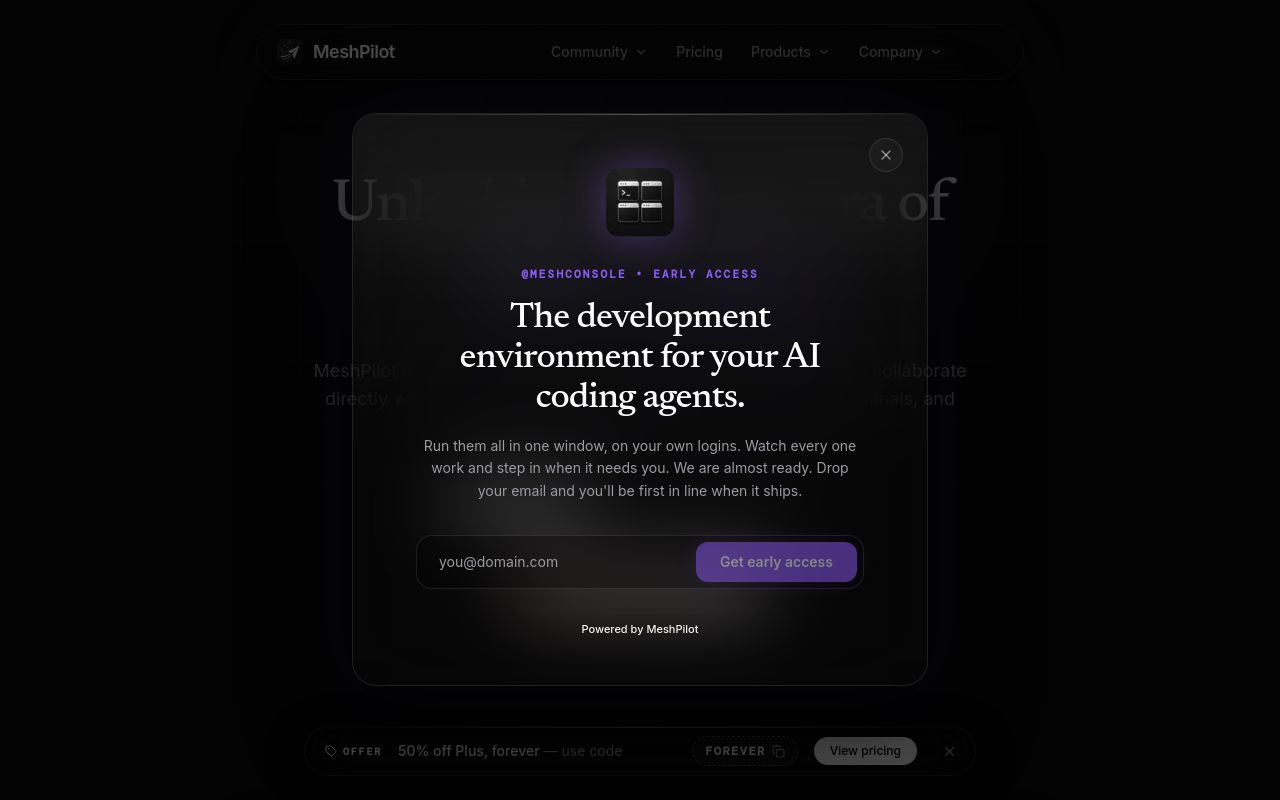
MeshPilot is an AI-driven CLI tool designed to streamline developer workflows by integrating terminal commands, task automation, and AI agents into a unified workspace. Marketed as "Your AI workspace for terminals, tasks, and agents," it aims to enhance productivity for developers and technical teams. With 100 Product Hunt votes and a focus on AI-assisted coding, MeshPilot is positioned as a tool for automating repetitive tasks and optimizing command-line efficiency.
This guide explores MeshPilot’s features, installation, use cases, and alternatives while adhering to verified details from its official website. Note that outbound links from automated listings are tagged asnofollow for SEO compliance.
MeshPilot combines terminal automation with AI agents to assist developers in managing workflows, executing commands, and reducing manual coding efforts. Key functionalities include:
- AI-Assisted Terminal Commands – Suggests or auto-completes CLI inputs based on context, reducing keystrokes and errors.
- Task Automation – Allows users to script repetitive terminal operations, such as file management, Git workflows, or deployment tasks.
- Agent-Based Workflows – Integrates AI agents that can perform predefined or learned tasks, such as debugging, log analysis, or dependency checks.
- Workspace Customization – Supports personalized setups for different projects, enabling seamless switching between development environments.
Unlike generic CLI tools, MeshPilot emphasizes AI augmentation, making it useful for developers seeking to minimize context-switching between terminals, IDEs, and external AI tools.
npm, brew, or direct binary downloads.
meshpilot run build to trigger a build sequence). For troubleshooting, users should refer to MeshPilot’s documentation or community forums.
MeshPilot caters to developers and technical teams in scenarios such as:
- Automate server deployments, container management, or CI/CD pipelines.
- AI agents can suggest fixes for failed builds or misconfigured services.
- Reduce repetitive tasks like branch switching, dependency updates, or test executions.
- Integrate with Git, Docker, or Kubernetes for streamlined workflows.
- Use AI to analyze logs, propose fixes, or explain complex errors.
- Automate post-mortem workflows after system crashes.
- Share predefined workspace setups or agent scripts across teams.
- Standardize workflows to reduce onboarding time for new developers.
When assessing MeshPilot against alternatives, consider:
- AI Accuracy – How well do its suggestions match real-world coding needs?
- Customization – Can users extend or modify automation scripts easily?
- Integration Support – Does it work with popular tools like Git, Docker, or cloud platforms?
- Performance – Does the tool introduce latency in command execution?
- Learning Curve – Is the setup intuitive for non-AI-savvy users?
Since MeshPilot is relatively new, user feedback and long-term reliability remain key factors to monitor.
Several tools offer overlapping features with MeshPilot:
MeshPilot distinguishes itself by blending workspace management with multi-agent automation, though its niche focus may not suit all users.
Pricing details are not publicly listed. Users should check the official website for updates.
Most CLI tools in this category are cross-platform, but MeshPilot’s documentation should clarify compatibility.
No—it’s a supplementary tool for terminal workflows, not a full IDE replacement.
MeshPilot adds AI-assisted automation, reducing the need for manual script writing.
Undisclosed; advanced integration capabilities would depend on MeshPilot’s roadmap.
For further inquiries, users should contact MeshPilot’s support team or community channels.
Note: This article is based on verified sources, including MeshPilot’s website and Product Hunt listing. Unspecified details (e.g., install commands, pricing) are omitted to avoid misinformation. Always refer to official documentation for the latest updates.
Your AI workspace for terminals, tasks, and agents
No verified install command is listed yet. Use the official project link or repository for setup instructions.
Your AI workspace for terminals, tasks, and agents
No verified install command is listed yet. Use the official project link or repository for setup instructions.
edgedrop.app
Clipboard on your screen edge. Hover to open, drag to drop

openclix.ai
Agent-driven retention flows for mobile apps.

docs.firecrawl.dev
The complete web data toolkit for AI agents